
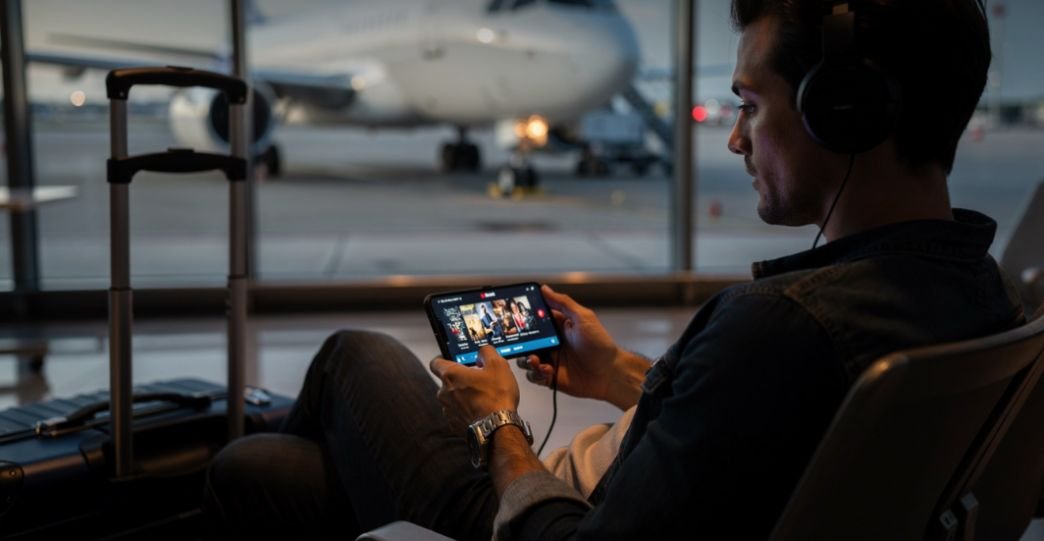
I realized how valuable offline movie downloads were after getting stuck during a long airport delay with terrible Wi-Fi and zero mobile signal. Since then, I always download movies to my phone before traveling, commuting, or spending time in areas with unreliable internet. It completely changed how I use streaming apps.
The best part is that you do not need sketchy websites, risky APK files, or illegal downloads. Today’s biggest streaming services already let you legally save movies directly to your phone for offline viewing. Once I started using the right apps and storage settings, I could watch my favorite movies almost anywhere without buffering, roaming charges, or connection issues.
This guide covers exactly how to safely download movies to your phone and watch your favorite movies everywhere using Android and iPhone devices, major streaming apps, and practical offline viewing tricks that most blogs completely skip.
Why Offline Movie Downloads Matter More Than Streaming

Streaming sounds convenient until you lose internet access halfway through a movie. That happens more often than most people admit.
I started downloading movies before flights, road trips, and hotel stays because public Wi-Fi rarely performs consistently. Offline downloads also helped me avoid mobile data overages while traveling across different states.
Another major advantage is playback stability. Another major advantage is playback stability, especially when watching downloaded movies based on true crimes during long trips or weak internet connections.
Downloaded movies do not buffer, suddenly drop quality, or freeze during weak connections. The viewing experience feels smoother because the file already exists on your phone.
Most people also do not realize that downloaded movies continue working even when you enter regions where certain apps are restricted. As long as the movie was downloaded beforehand, it usually remains playable inside the app until the expiration window ends.
Best Streaming Apps That Work Almost Everywhere
Not every streaming platform works globally. Some apps are available in only a few countries, while others operate almost worldwide.
Global Streaming Apps With Strong International Access
| Streaming App | Global Availability | Offline Downloads | Best Use Case |
| Netflix | 190+ countries | Yes | Travel-friendly offline viewing |
| Amazon Prime Video | 200+ countries | Yes | Large global catalog |
| Apple TV | 100+ countries | Yes | Unified Apple ecosystem |
| YouTube | Worldwide | Limited/Premium | Free and official uploads |
| Plex | Global | Yes | Free ad-supported streaming |
Apps With Regional Restrictions
| Streaming App | Availability Limitation |
| Disney+ | Different regional versions like JioHotstar |
| Max | Available in fewer countries |
| Hulu | Mostly restricted to the United States |
One thing I learned quickly is that downloading content before crossing borders avoids many playback restrictions later.
Quick Reference Table for Offline Movie Downloads
| Platform | How to Download Movies |
| Netflix | Tap Download below the movie title |
| Amazon Prime Video | Open video page and press Download |
| Google TV | Go to Library and tap Download |
| YouTube | Tap Download on supported videos |
| Movies Anywhere | Open My Movies and choose Save Offline |
| Plex | Save available content for offline access |
How I Download Movies to My Phone Safely
I stopped using unofficial movie download websites years ago because they were filled with fake download buttons, malware risks, and terrible video quality.
Official streaming apps already provide safer offline access.
Using Subscription Streaming Apps
With Netflix, I open the movie page and tap the Download button directly below Play. The file saves inside the app automatically.
On Amazon Prime Video, I can even choose video quality before downloading. That matters when storage space gets tight during longer trips.
Using Free Platforms Legally
I also use YouTube for public domain films uploaded by official channels. Some movies can be saved directly for offline viewing.
Another underrated option is the Internet Archive, which offers legal public domain movie downloads in MP4 format.
Android Settings That Improved My Offline Viewing
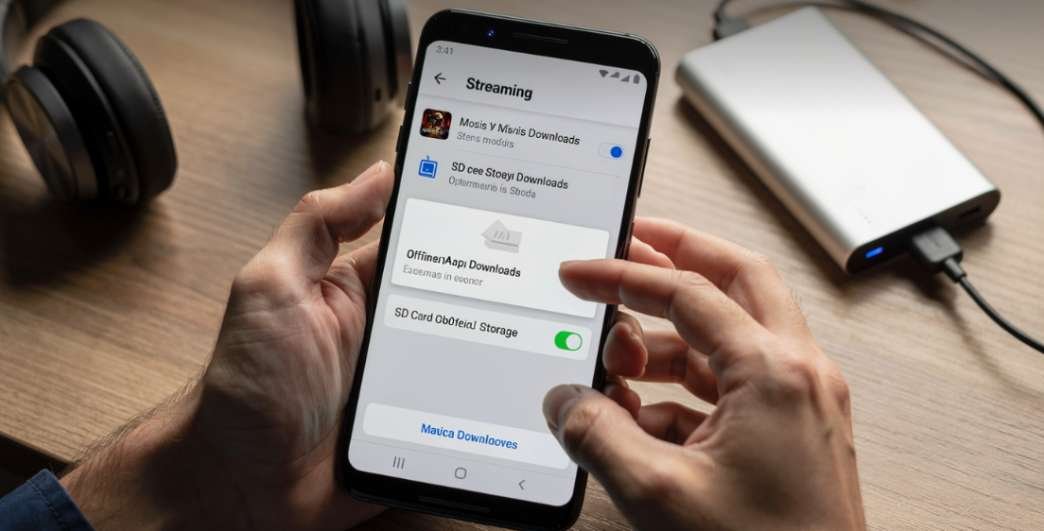
Using an Android phone gave me more flexibility than I expected.
Saving Downloads to an SD Card
My biggest storage problem disappeared after enabling SD card downloads inside Amazon Prime Video.
I went to:
Profile → Settings → Stream & Download → Download Videos to SD Card
That instantly moved large movie files away from internal storage.
Lowering Video Quality
High-quality downloads look great but consume massive storage.
Inside Netflix, I switched from High to Standard download quality. The storage difference was dramatic, especially during long trips.
Keeping Apps Updated
I always update apps through Google Play before traveling internationally. Older app versions sometimes fail playback security checks overseas.
iPhone Settings That Saved Massive Storage Space
Using an iPhone requires a different strategy because there is no expandable storage.
Smart Downloads Changed Everything
The Smart Downloads feature inside Netflix became incredibly useful during TV binge sessions.
Once I finished an episode, the app automatically deleted it and downloaded the next one over Wi-Fi.
Lower Resolution Downloads
Reducing video quality on the iPhone saves huge amounts of storage space.
I adjusted:
My Netflix → Menu → App Settings → Download Video Quality → Standard
That gave me room for several additional movies without deleting photos or apps.
Avoid Changing App Store Regions
One mistake I made while traveling was changing my Apple ID region too early. It complicated subscription billing and temporarily blocked app updates.
Now I keep everything connected through the official App Store until I return home.
What Happens When You Travel Internationally
This is where offline downloads become incredibly valuable.
Streaming libraries change depending on your location because licensing rights differ between countries. A movie available in the United States might disappear overseas.
Downloaded movies usually continue working because the file already exists locally inside the app.
However, expiration rules still apply.
Most downloads remain valid for:
- 7 to 30 days after download
- 48 hours after playback begins
I now refresh my downloads every few weeks before traveling internationally.
Common Offline Download Problems and Fixes
“Download Option Missing”
This usually means:
- Your subscription plan does not support downloads
- The title has licensing restrictions
- The app version is outdated
Downloads Suddenly Expired
Reconnect to the internet and reopen the app. Many platforms simply need license verification.
Storage Full Errors
Delete watched content immediately or lower download quality settings.
Playback Not Working Abroad
Pre-downloaded content normally works, but VPN conflicts or outdated app certificates can interfere with playback.
The Travel Trick Most Streaming Users Ignore
The smartest thing I started doing was creating a dedicated “offline travel library” before every trip.
I now download:
- One comfort movie
- One long TV series
- One documentary
- One backup movie from a different platform
That mix prevents boredom when flights get delayed or hotel Wi-Fi becomes unusable.
Most people only download one title from their “what to watch” under 2 hours list and assume it will be enough.” It rarely is.
That small habit saved me during a 14-hour airport delay when streaming apps were barely loaded at all.
FAQs
1. Can I legally download movies to my phone for offline viewing?
Yes. Major streaming apps like Netflix and Amazon Prime Video offer built-in offline downloads for subscribers.
2. Do downloaded movies work without the internet?
Yes. Once downloaded, movies play offline directly inside the app until the expiration window ends.
3. Can I watch downloaded movies internationally?
Usually yes. Offline downloads typically continue working while traveling, even if regional libraries differ.
4. What is the best app to download movies to your phone and watch your favorite movies everywhere?
Netflix and Amazon Prime Video currently provide the strongest global support and offline download features.
5. Why do downloaded movies expire?
Streaming platforms use temporary licenses tied to studio agreements and subscription verification.
Your Wi-Fi Can Rest Now
After years of relying on unstable airport internet and painfully slow hotel connections, I finally realized offline movie downloads are not just convenient. They are essential.
The difference becomes obvious the first time your internet fails mid-trip while your downloaded movies continue playing perfectly.
If you want the smoothest experience, prepare your downloads before traveling, reduce unnecessary file sizes, and always keep your streaming apps updated. Your future self sitting on a delayed flight will absolutely appreciate it.